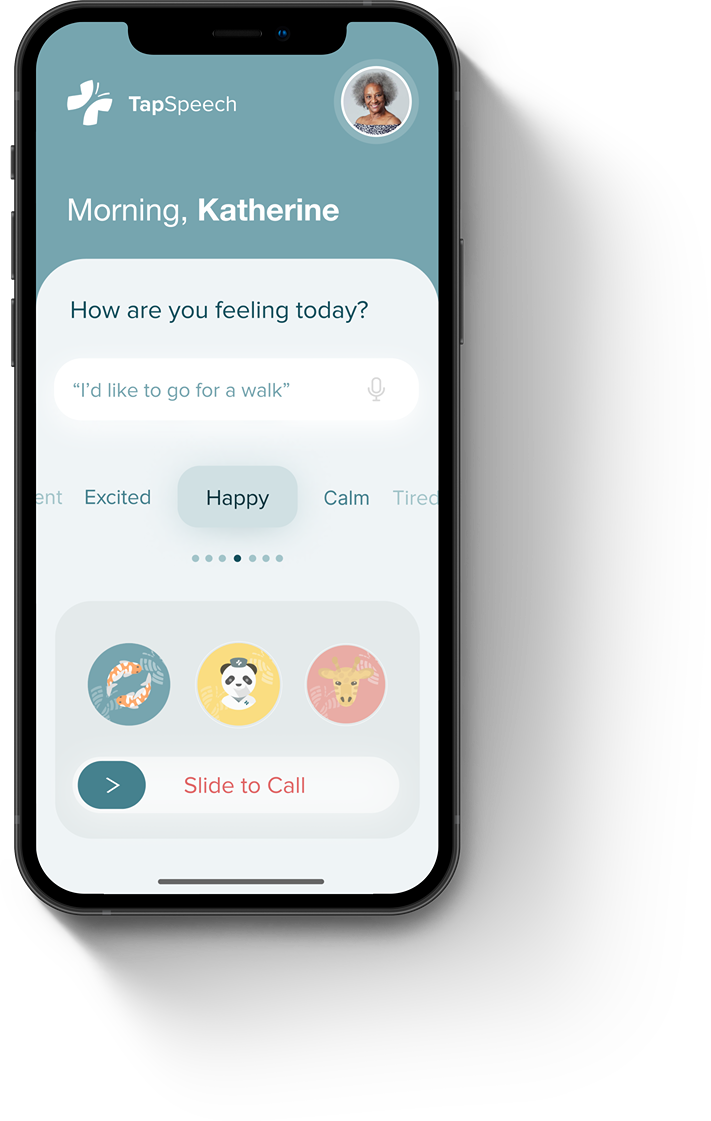
Start with how you feel.
A daily check-in gives patients a way to communicate emotions alongside their physical needs.
TapSpeech · Accessible communication
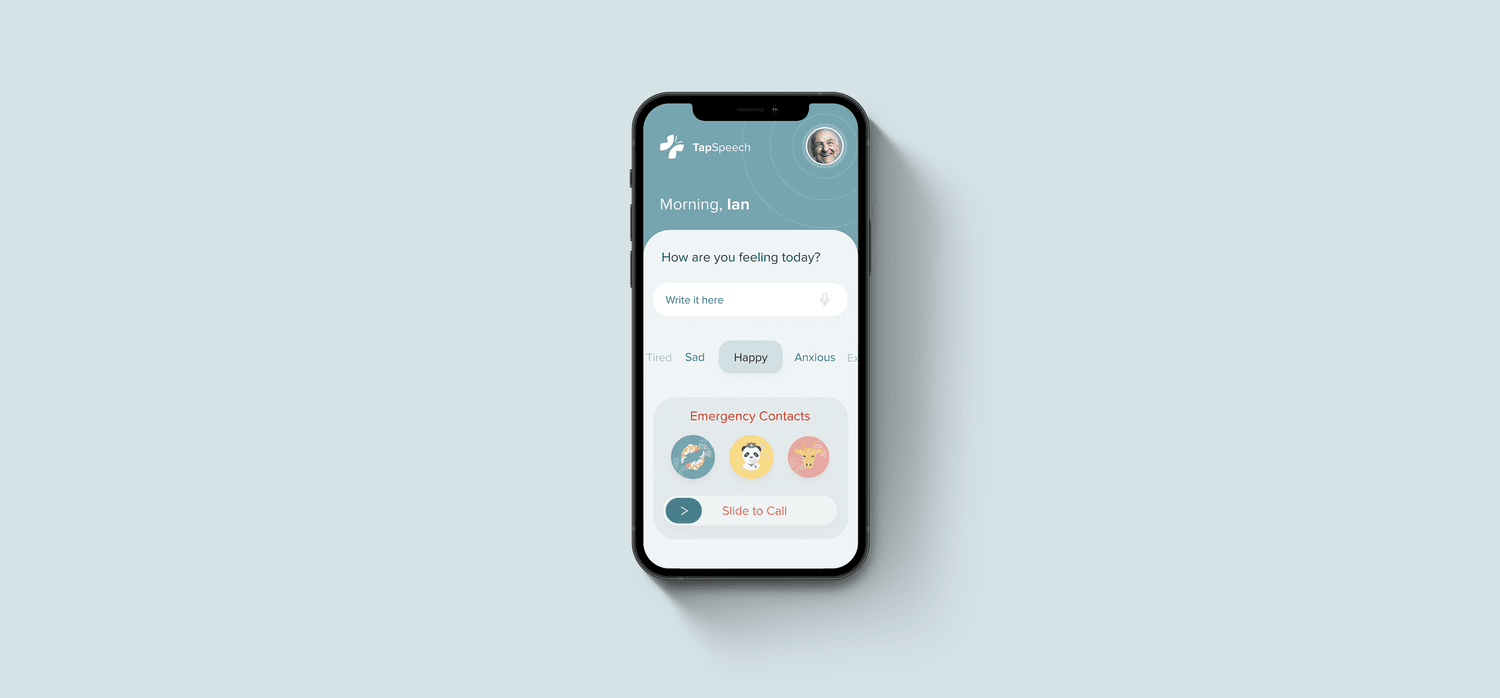
Helping older adults express their needs, share their feelings, and reach the people who care for them.
01 — The need
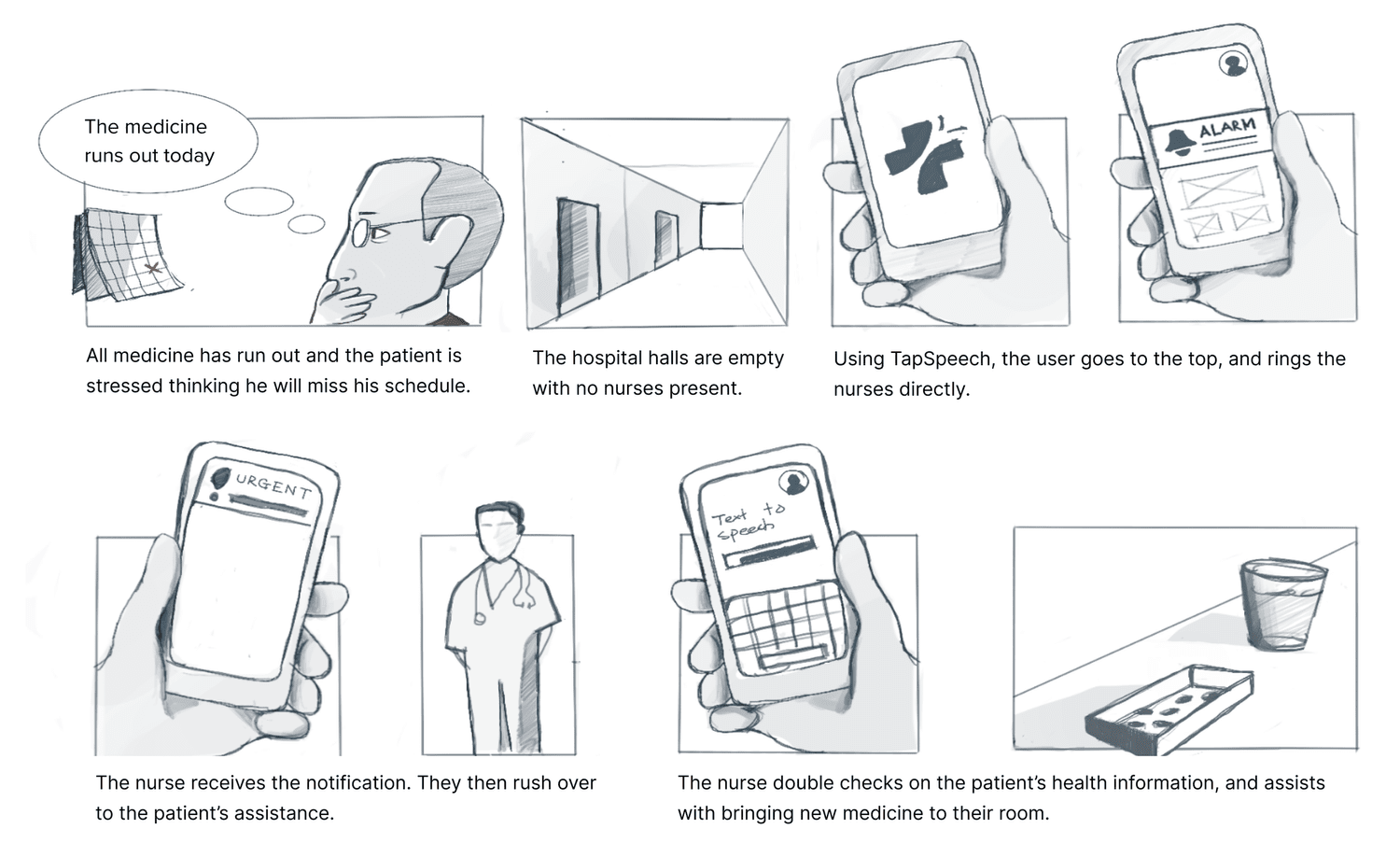
TapSpeech began during the pandemic in 2021. Seeing our grandparents struggle with speech impairment made the problem personal: communicating a simple need—or explaining how you feel—could be tiring and frustrating.
We built a communication tool for older adults and their caregivers, with physical needs and emotional expression given equal attention.
02 — Patient experience
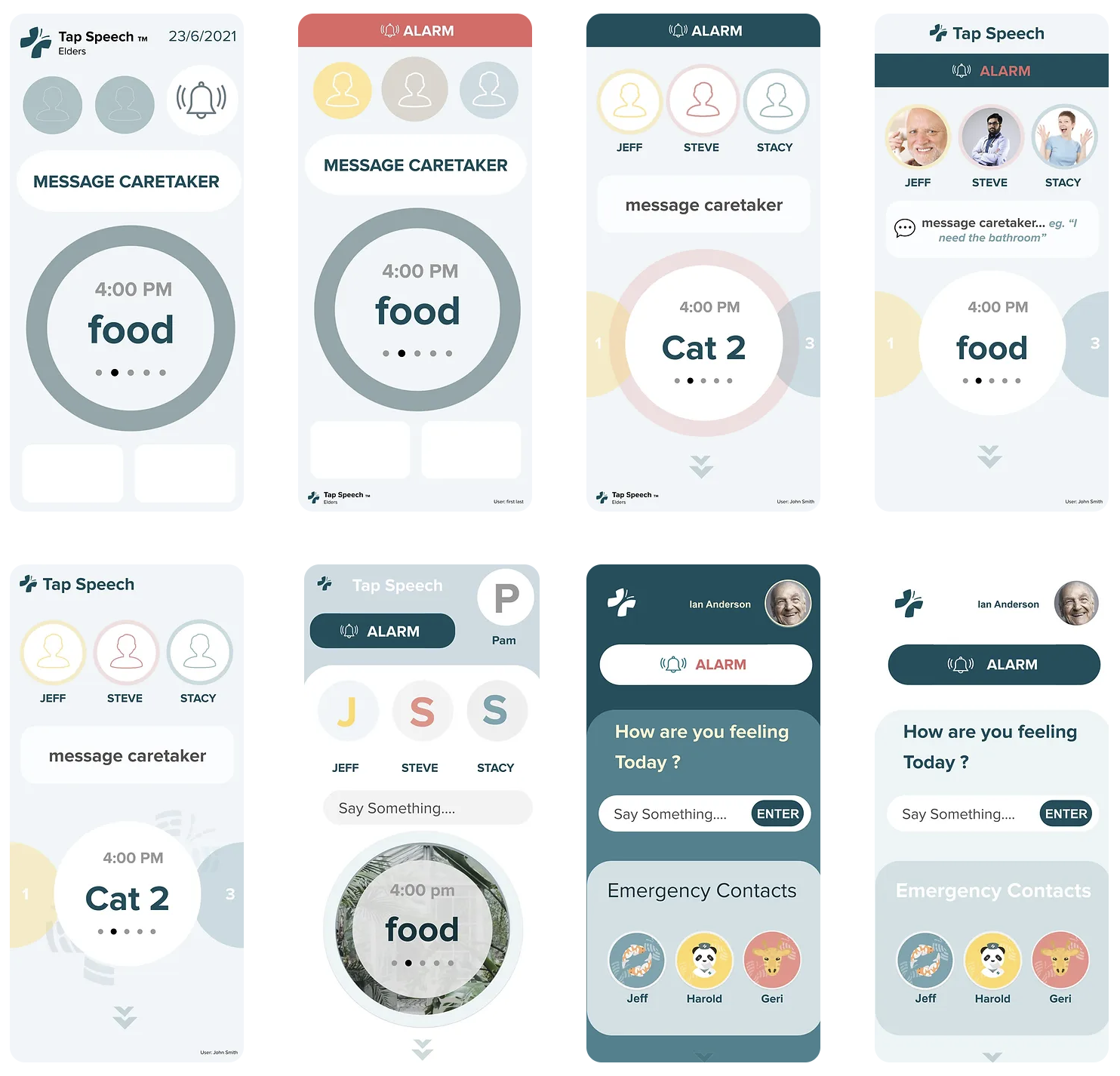
The patient experience brings everyday requests, emotional check-ins, and important contacts into a simple interface. Large, visible choices help make the next action easier to find.
A daily check-in gives patients a way to communicate emotions alongside their physical needs.
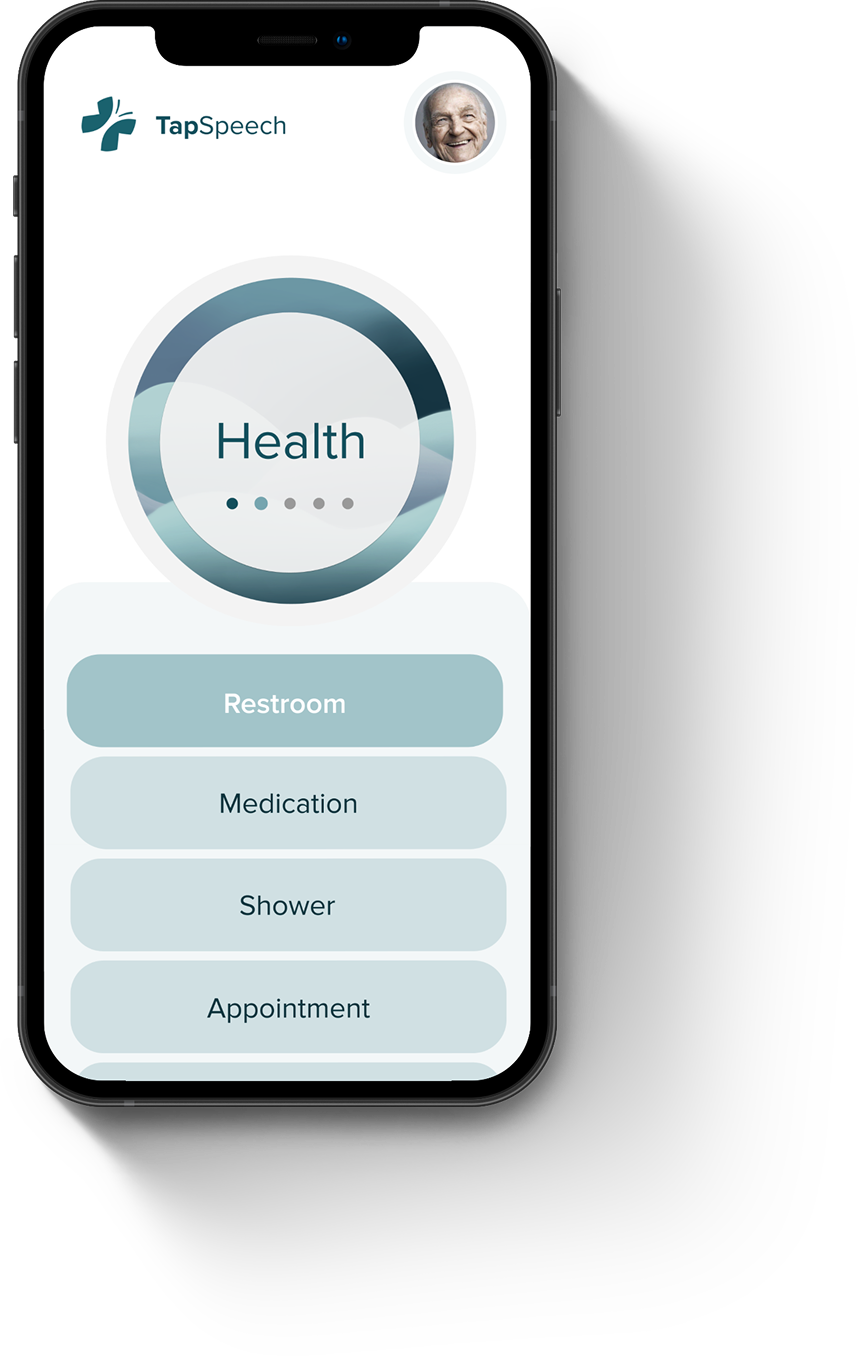
Essential requests, including restroom assistance and medication reminders, are available without needing to speak.
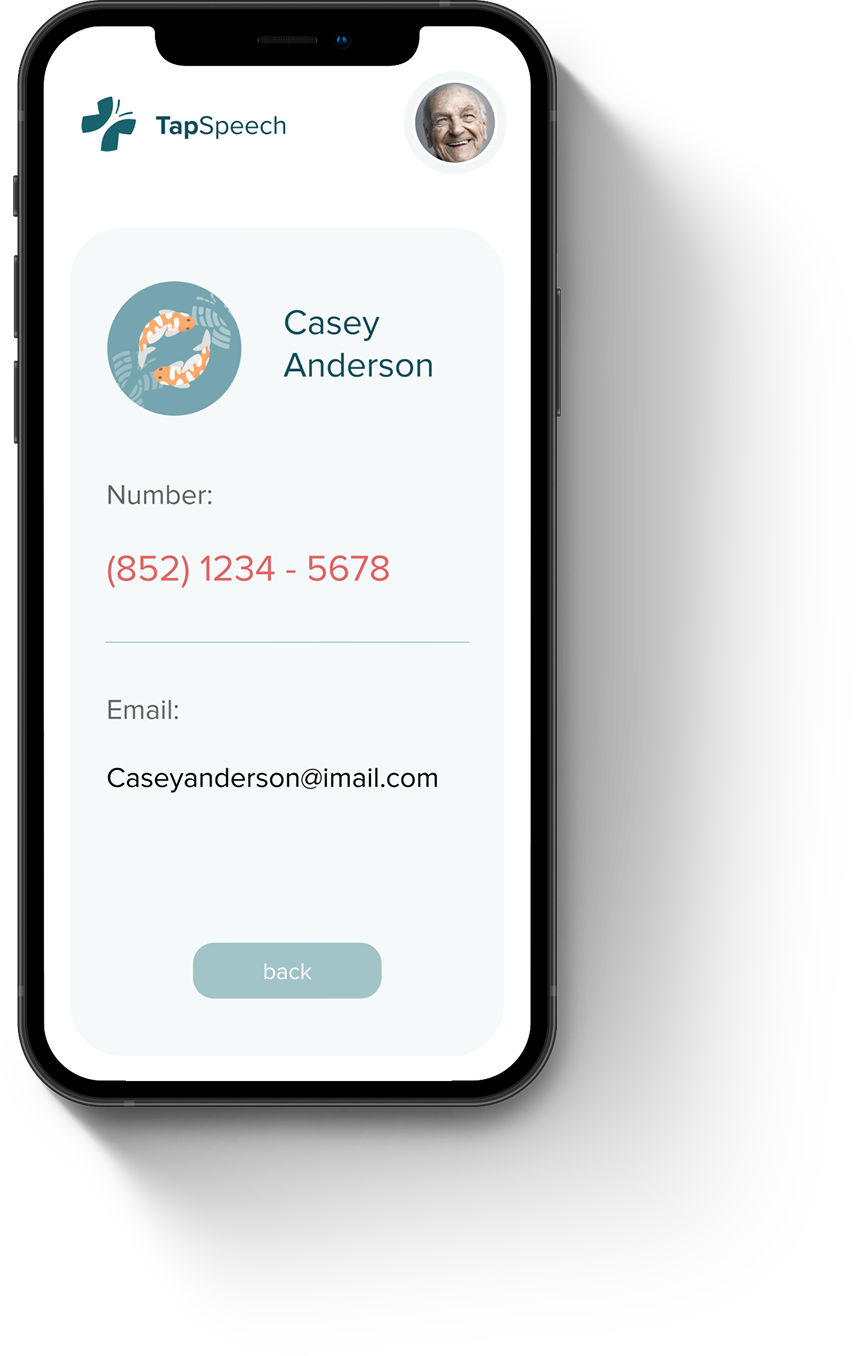
Reach a caregiver or family member through a visible contact flow, with emergency access close at hand.
03 — Caregivers
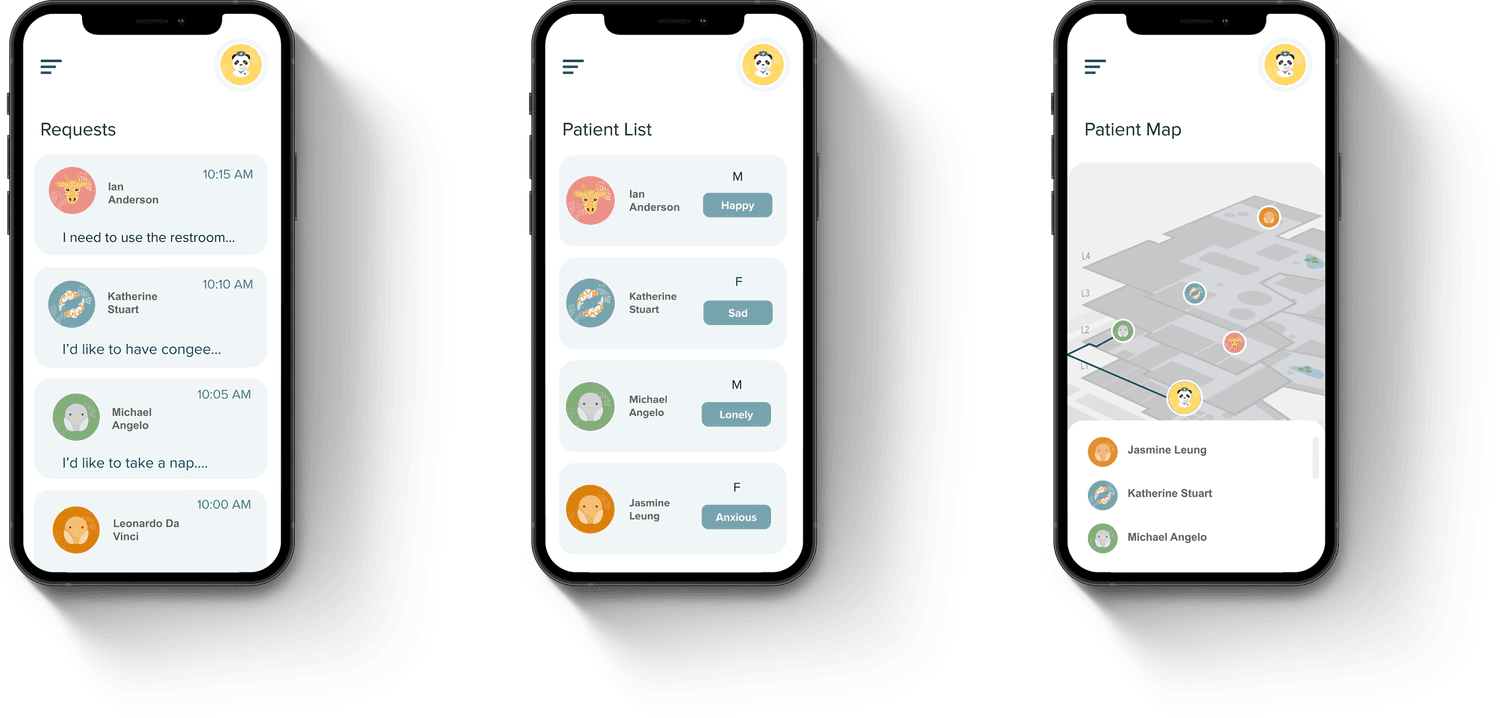
The caregiver interface brings requests, emotions, medical information, and location together. Organized information helps caregivers see what a patient needs and respond with context.
04 — Research
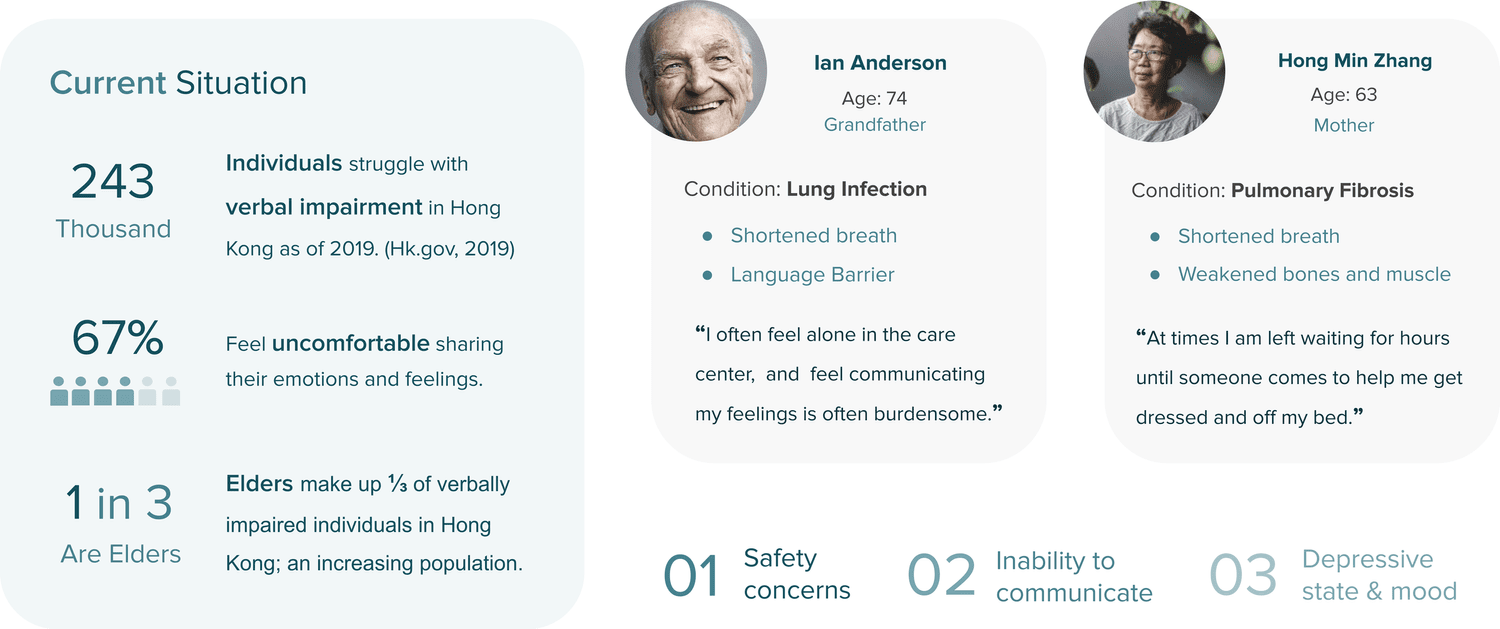
We spoke with more than 20 people across the elderly community, care homes, and our families. Difficulty expressing basic needs often brought feelings of isolation, frustration, and anxiety. The design needed to address both practical communication and emotional well-being.
Making certain sounds can be difficult, making speech harder to understand.
Disruptions in rhythm and repetition can make speaking more demanding.
Communicating an idea, a feeling, or a need can take more effort than it should.
05 — Iterations
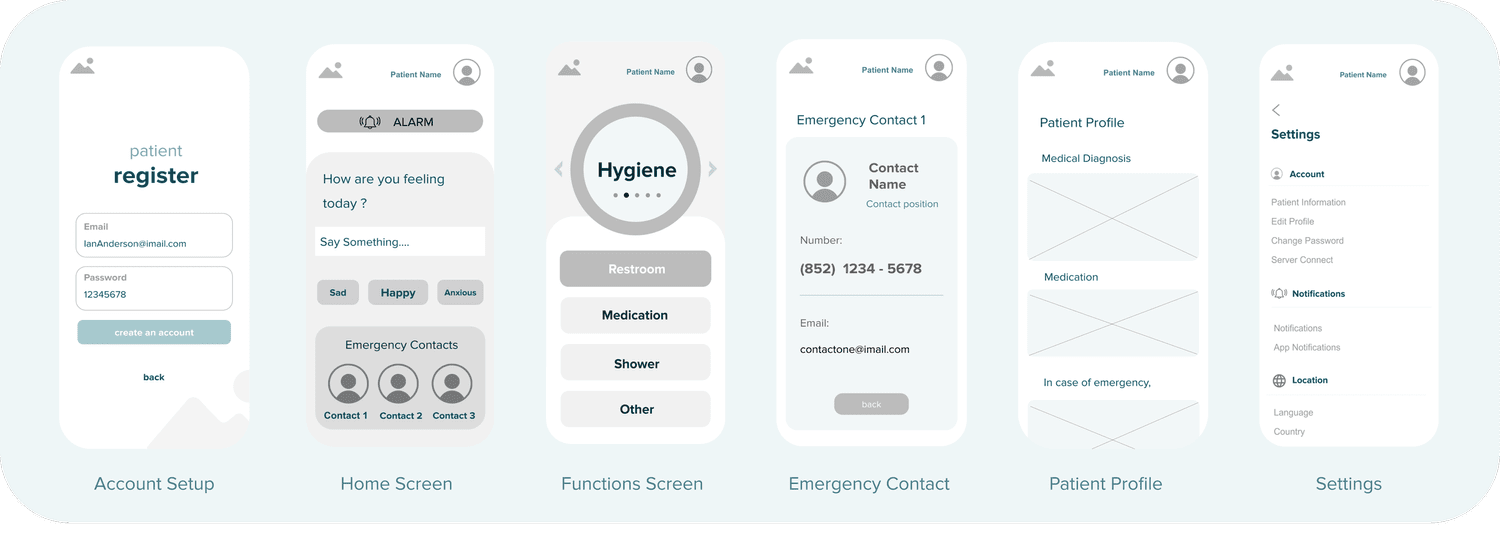
The home screen went through the most iteration. We moved toward a scrolling experience that prioritized emergency alerts, caregiver communication, and daily needs. Wireframes connected these moments to the wider flow, from account setup to asking for help.
06 — Identity
The identity combines a cross and butterfly as symbols of care, growth, and healing. Proxima Nova, gentle colors, and distinguishable illustrated icons support an approachable experience for older adults.


07 — Reflection
TapSpeech was my first UX project. Across 12 weeks and 17 iterations, I learned that a useful healthcare interface must leave room for the emotional side of care, as well as the physical.
The emotion meter expanded the experience beyond food, sanitation, and activity, helping caregivers understand the whole person.
Working closely with designers and developers gave us space to revisit decisions and improve the experience together.
Listening to older adults changed the way I understood effort, clarity, and independence in an interface.
Circulation and recovery that moves with you.